
2026-09-28
Test Drive now opens next to the chat, you can add any Test Drive round to the chat so the AI can fix it, the ticket and code show up right in the chat, and the vault opens by game.
Test Drive next to the chat
Test Drive now opens in a side panel beside the chat. Play your system and keep talking to the AI without leaving the page. Expand the panel when you want the whole screen.
Start a Test Drive from any code card in the chat to try that version of your system. When the chat has newer code, Test Drive offers to switch to it.
To test faster, tap the lightning bolt to skip animations.
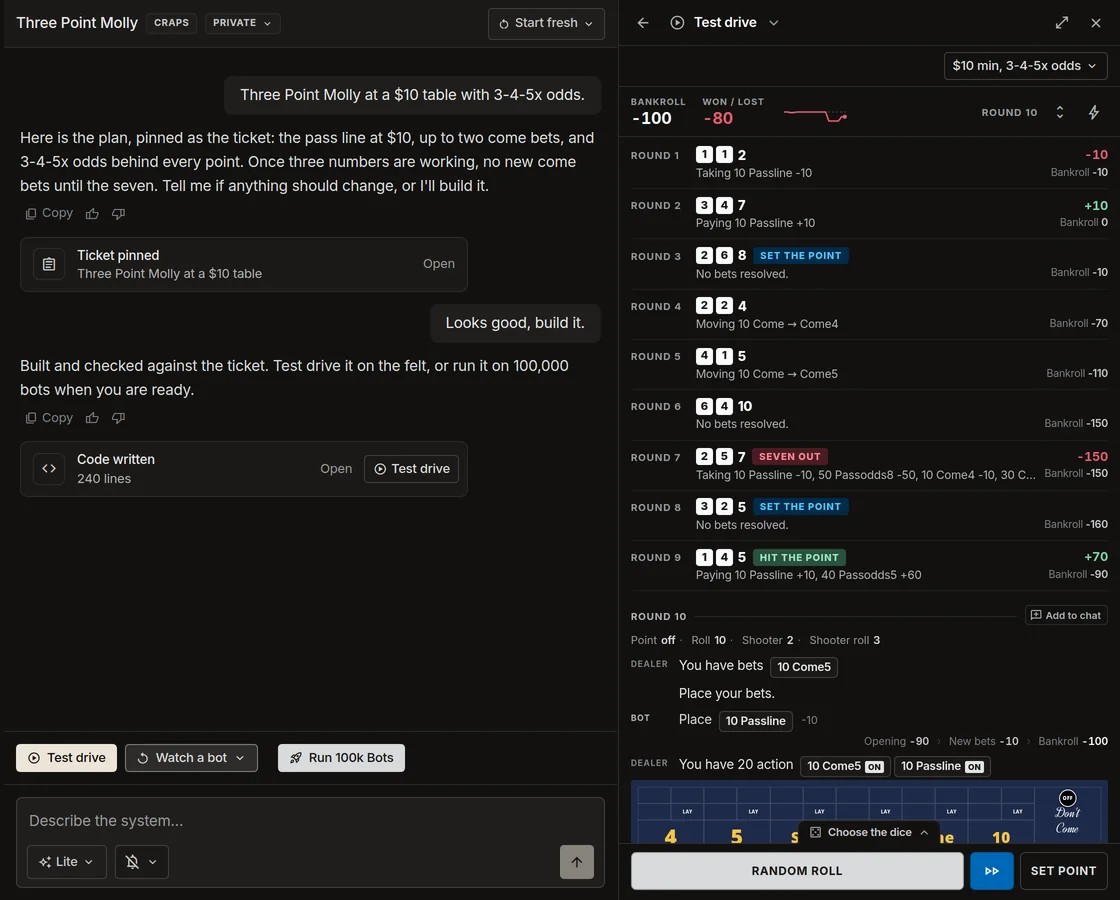
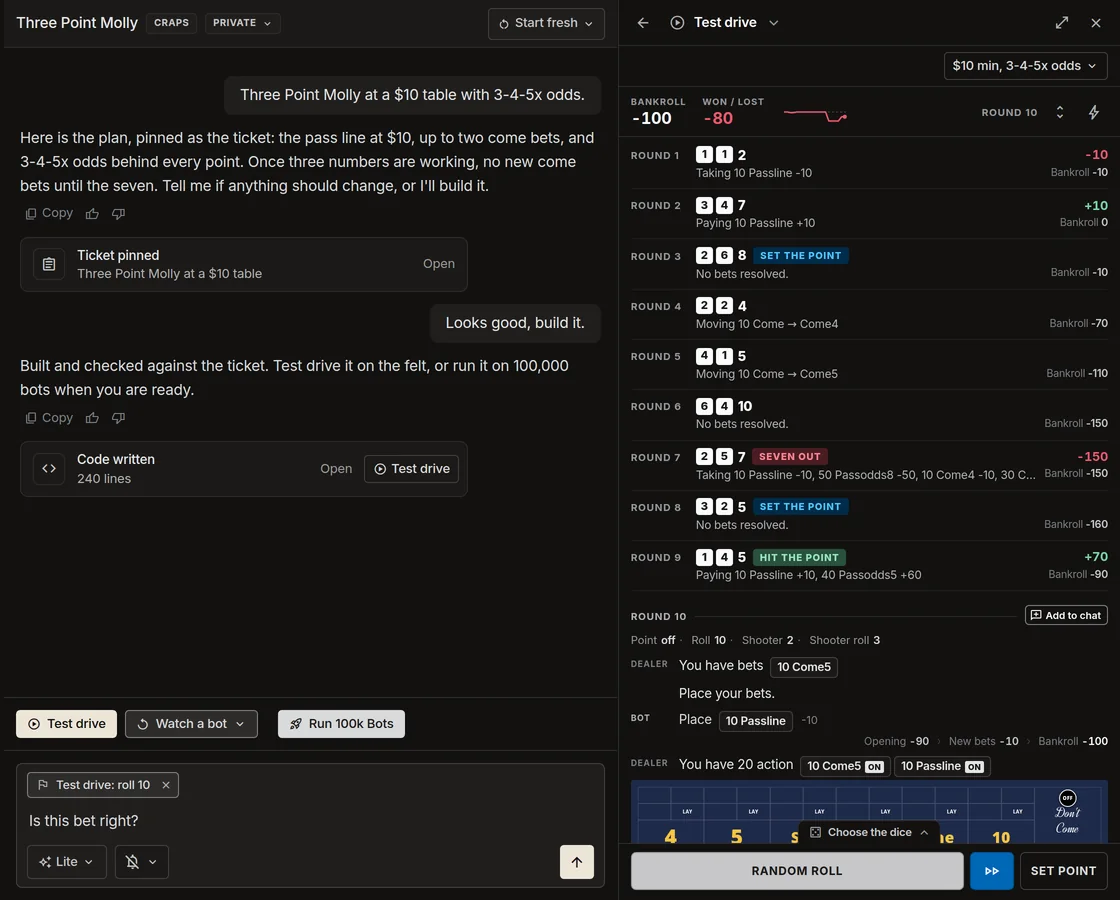
Add to chat
See a bet that looks wrong? Tap Add to chat on that round. The round rides along with your next message, with every roll, spin, or hand up to it, so the AI sees exactly what happened and can fix the code.
Once the code changes, Test Drive offers to replay that round on the new code with the same dice, spins, or cards, so you can check the fix yourself.
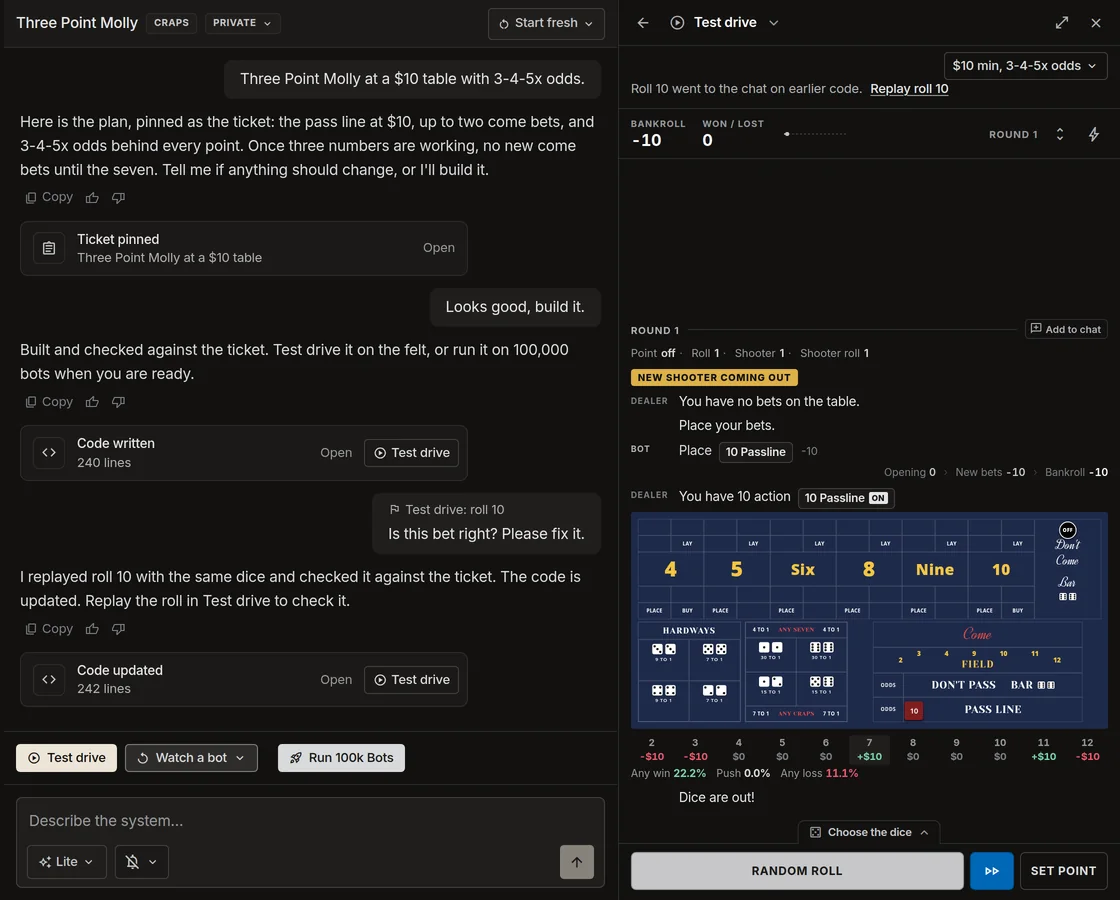
Add to chat works in craps, roulette, and baccarat.
Ticket and code in the chat
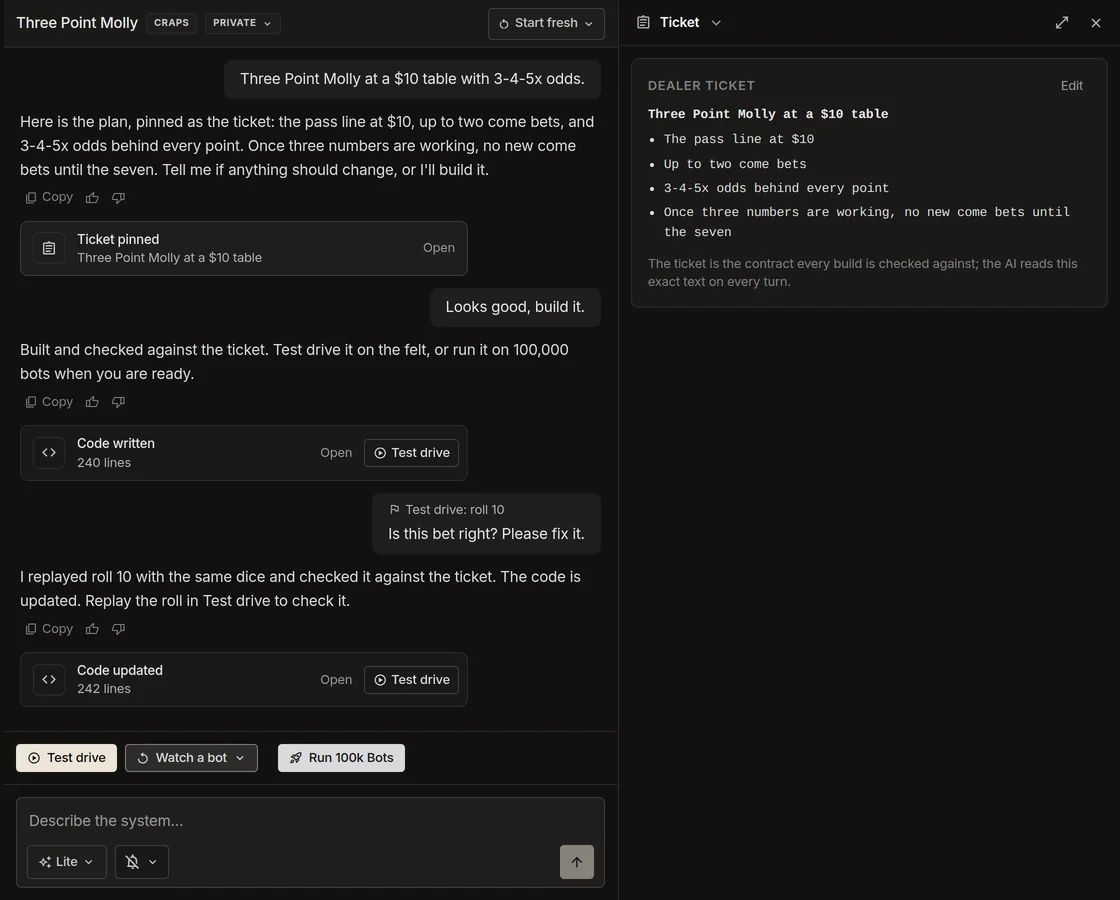
Your ticket, each version of the code, and each published run now show up as cards in the chat, right where they happened. Tap a card to open it in the side panel. Scroll back to see how your system changed.
Explore the vault by game
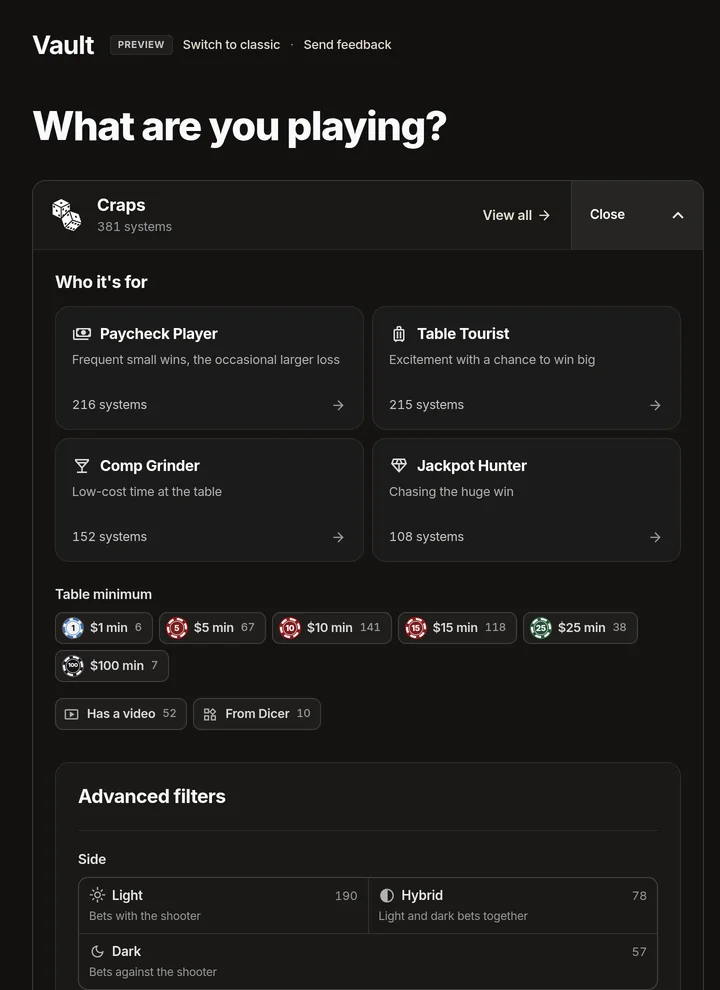
The vault now opens with a card for each game. Tap View all to see every system for that game, or Explore to go straight to a group, such as who a system is for or the table minimum. Members get every way to narrow the list under Advanced filters, including light side, dark side, presses, and the bets used.
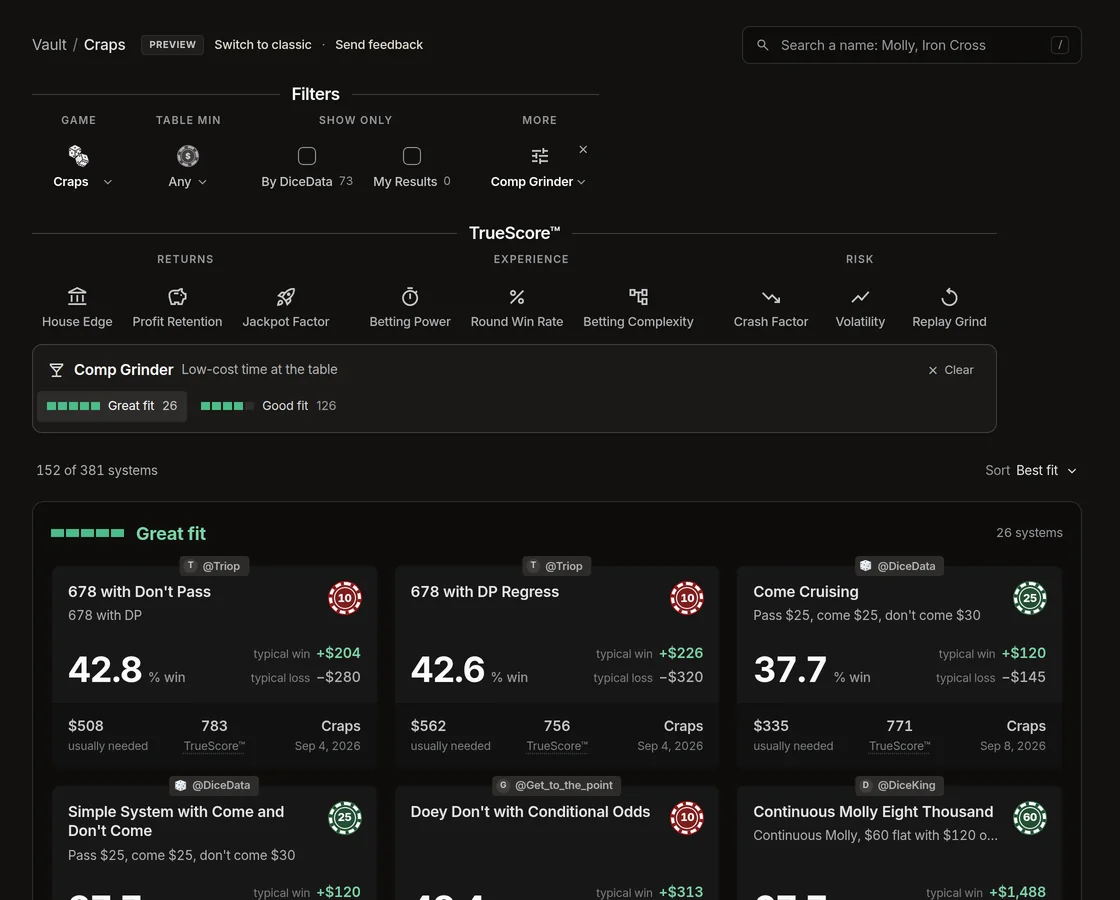
Pick one player type, such as Comp Grinder, and the list now groups its systems into Great fit and Good fit, with the best fit first.
Also in this release
Assorted bug fixes and enhancements.