
2026-09-12
Lite builds are faster, the Studio can send a notification when a chat needs input, the Stats tab shows every wager, and replays jump by shooter.
Faster Lite builds
Lite now runs on a new, faster model and the build process is tuned around it. Lite builds come back sooner and pause less often. Better and Best are still faster.
Studio notifications
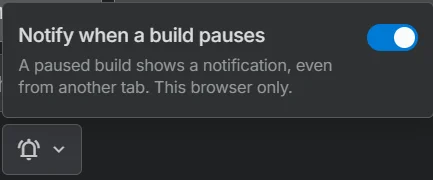
You can now get a notification when a chat needs input from you. Use the bell icon in DiceData Studio to turn this on and off. Requires browser permission.
Bet details
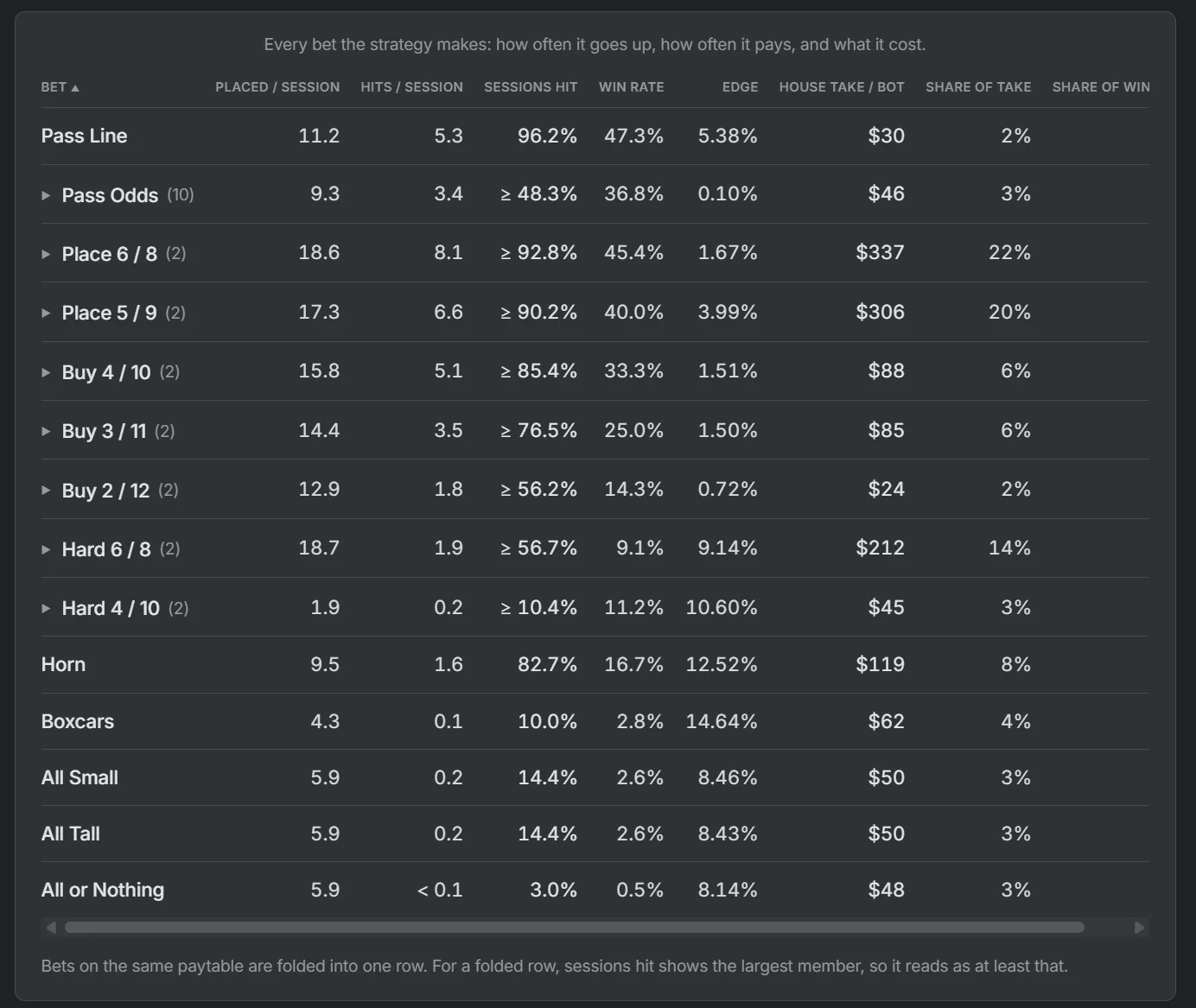
You can now see details of every wager a system made: the number placed and hit, the win rate, the effective house edge and house take, and the share of the wins. Find it on the Stats tab of any system page.
Replay enhancements
Press [ and ] to jump between shooters. The scrub bar marks each new shooter. Scrubbing to a settled roll shows the dice, the total, the result, the won and lost tallies, and the puck before and after.
Also in this release
Assorted bug fixes and enhancements.